
1
Choose your country
Select the country you are visiting to show the local currency and general tipping guidance.
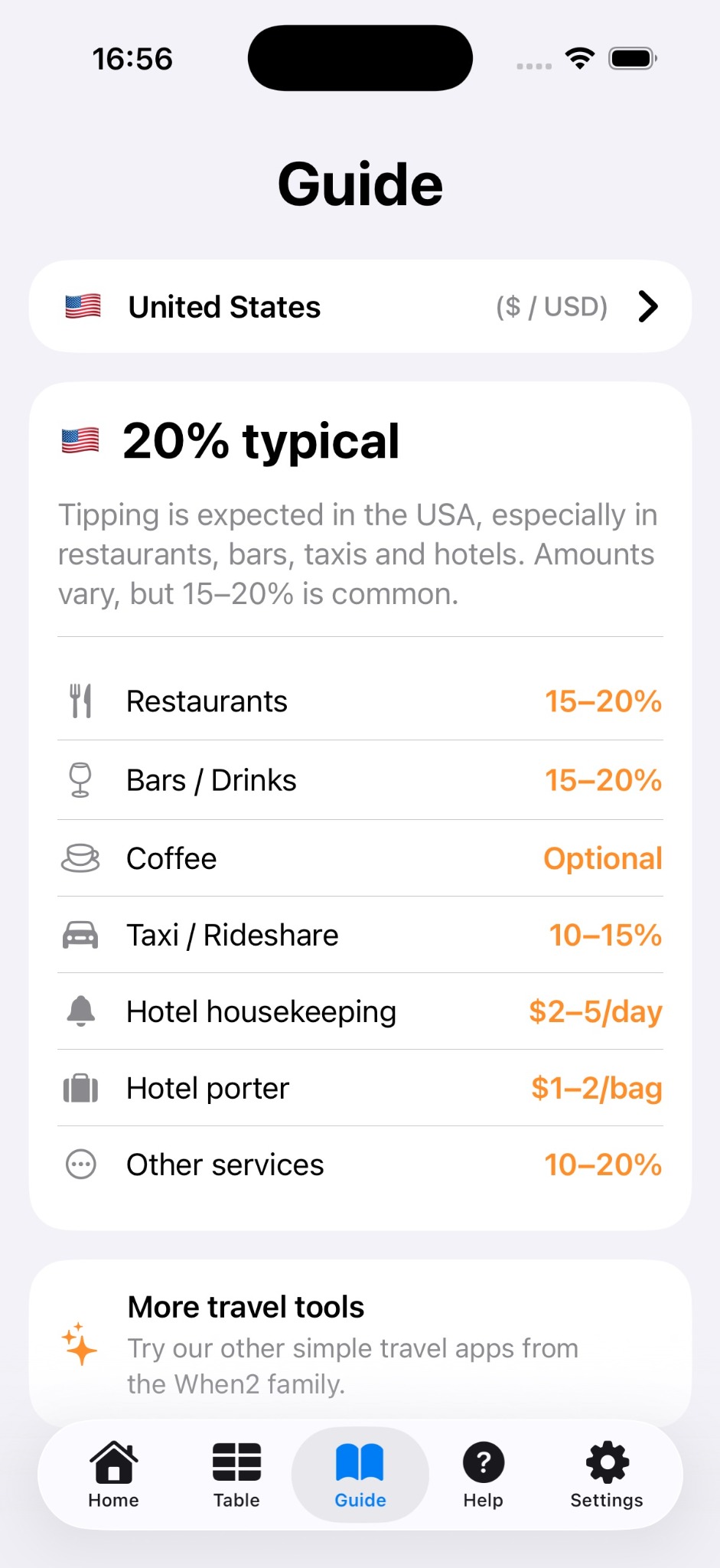
A quick guide to choosing a country, selecting a calculation mode and estimating the final total.
Select the country you are visiting to show the local currency and general tipping guidance.
Choose whether the app should calculate tip only, tip and tax, tax then tip, tip then tax, or remove tax from a total.
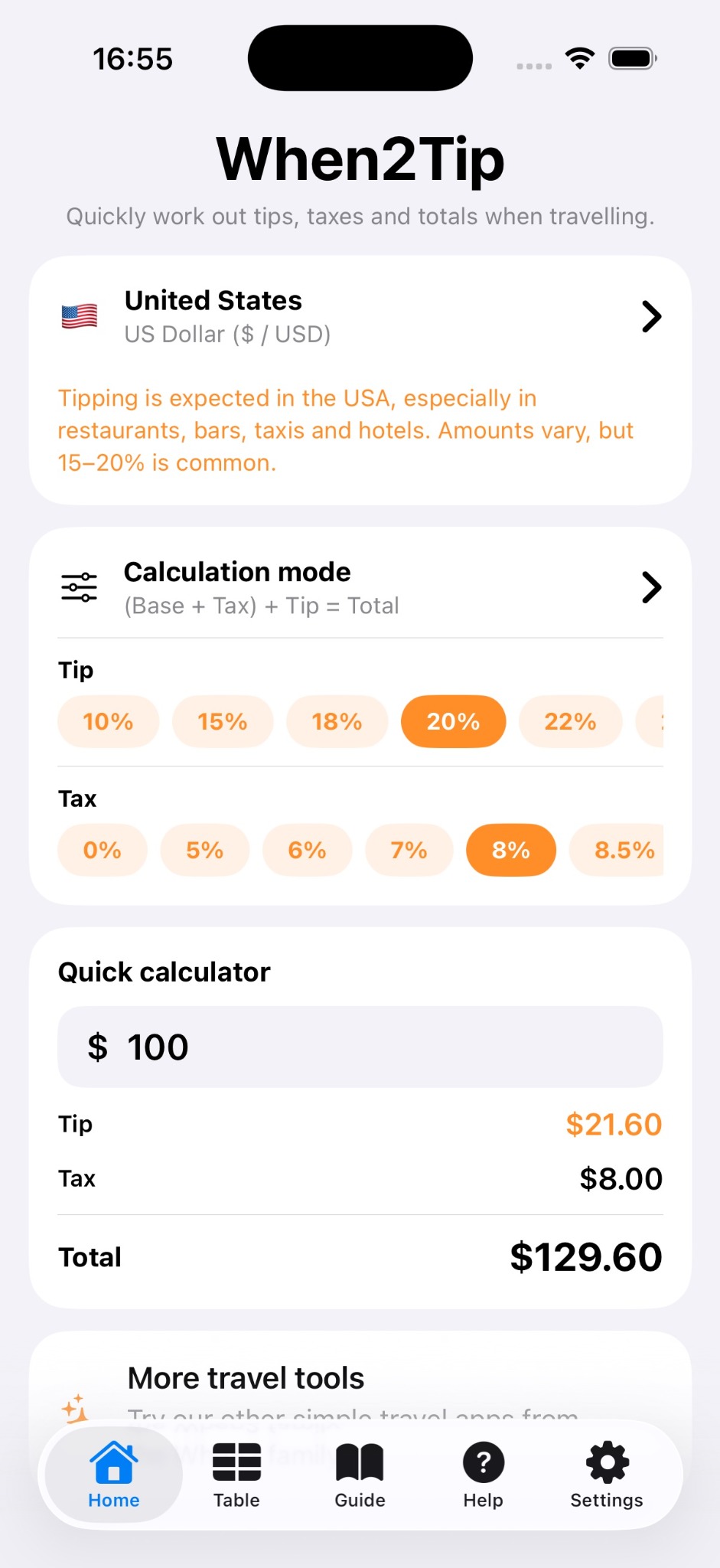
Use the percentage buttons to match the bill, local guidance or your own choice. The app gives guidance only — you decide what is appropriate.
The quick calculator shows the tip, tax and final total in the selected local currency.
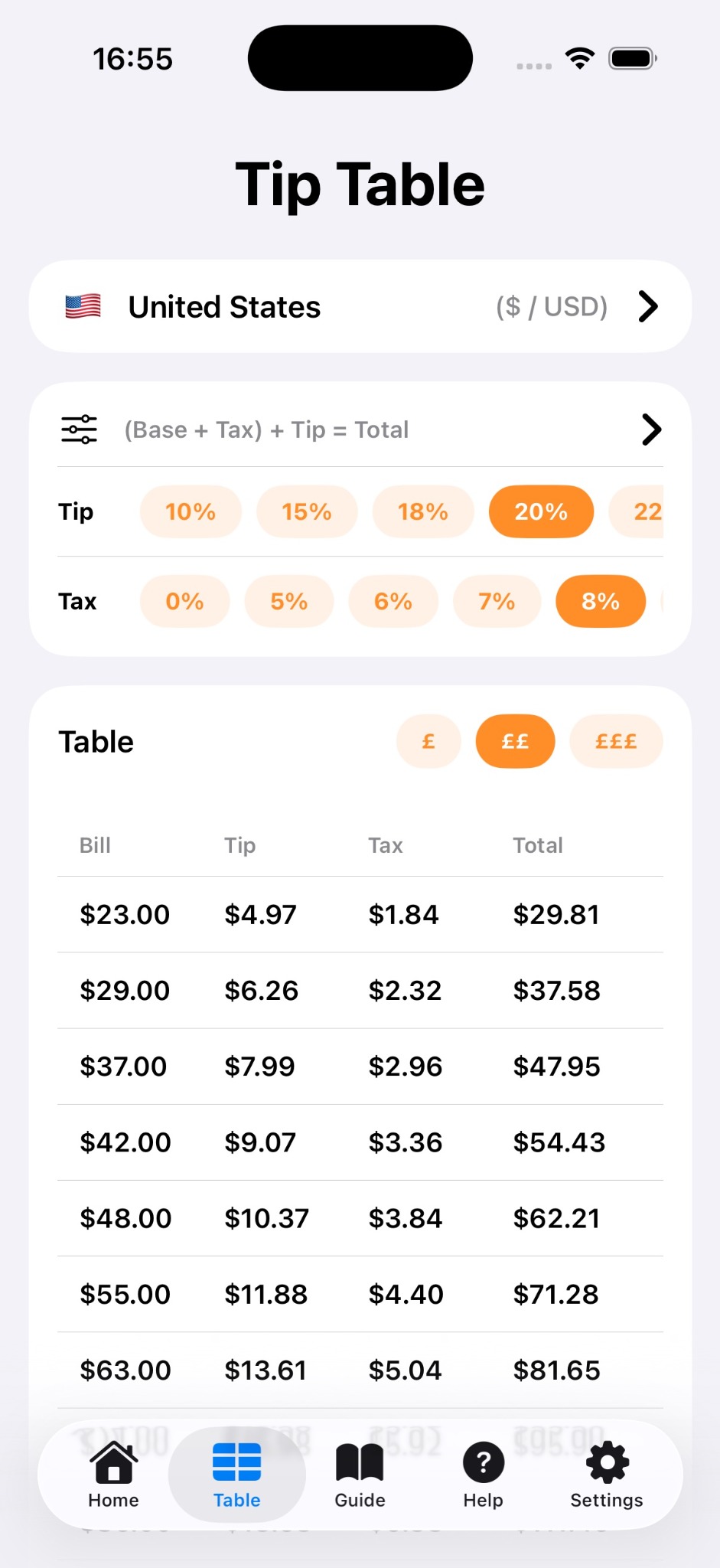
The tip table helps you compare common bill amounts without typing each amount separately.
Some restaurants and venues include service charge, tax or gratuity automatically. When2Tip can help estimate amounts, but it cannot know what has already been added to a specific bill.
Tipping customs can vary by region, venue and service type. Use the app as a helpful travel guide rather than a fixed rulebook.